Autel MaxiSys Elite II Pro Diagnostic Scanner
$ 96.04
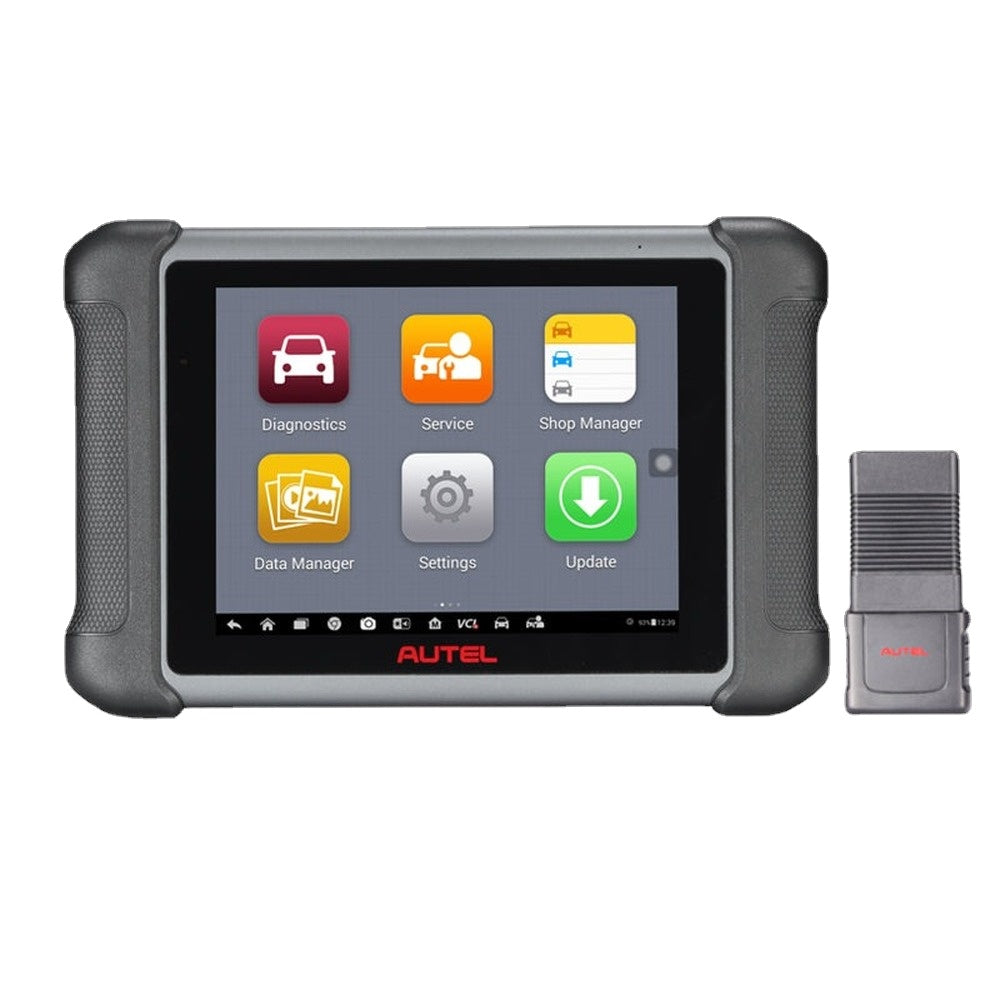
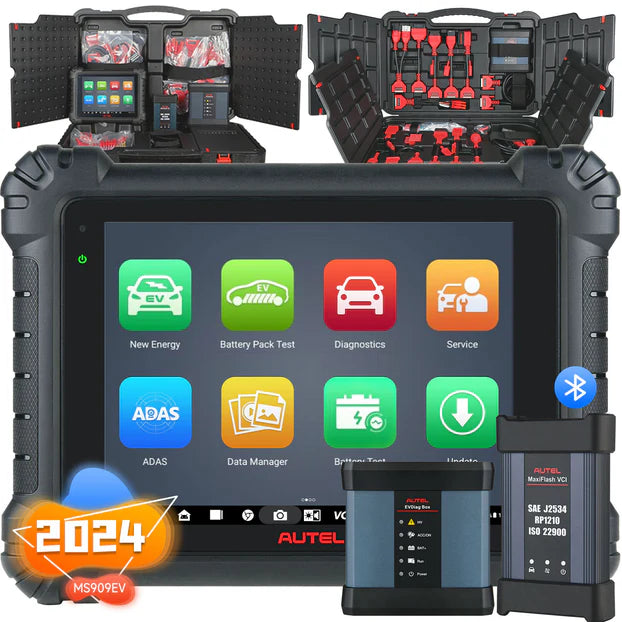
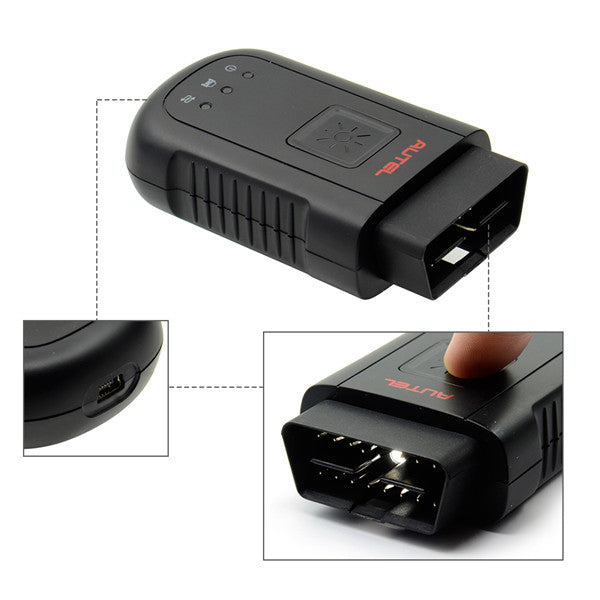
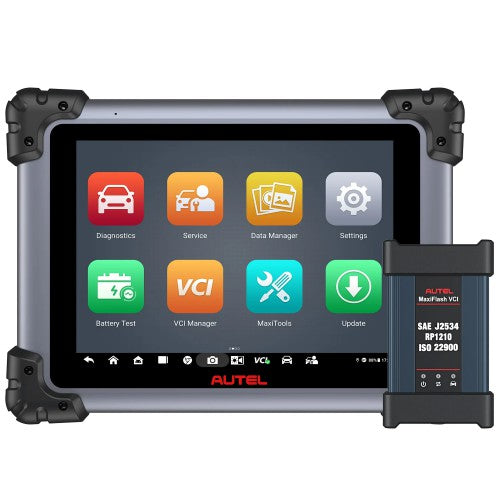
The Autel MaxiSys Elite II Pro is the latest high-performance diagnostic tablet, featuring Android 10, 9.7″ Retina display, and MaxiFlash VCI with DoIP & CAN FD support. It delivers fast, OE-level diagnostics, ECU programming, and full-system coverage for 150 car brands, including Tesla and McLaren. Why Choose Autel MaxiSys Elite II Pro? Global Use, No IP Restrictions – Works worldwide without limitations. Advanced Vehicle Coverage – Supports 99% of vehicles (1996-2023), including luxury brands like Porsche and Lamborghini. 2 Years Free Update Online. (After 1 Year, Autel Elite II PRO Subscription cost 795USD/ Year) Enhanced Hardware & Software – Android 10, NVIDIA Tegra 4 processor, and ultra-responsive touchscreen for smooth diagnostics. Autel MaxiSys Elite II Pro Overview The Autel MaxiSys Elite II Pro is a professional-grade diagnostic tool with MaxiFlash VCI, supporting DoIP, CAN FD, and J2534 protocols. It performs full-system scans, ECU coding, and advanced services like battery registration, SAS calibration, and injector coding. Autel MaxiSys Elite II Pro Key Features Comprehensive Vehicle Diagnostics Covers 80 US, Asian, and European makes with OBDII, UDS, KWP, and J2534 protocols. PreSCAN & PostSCAN reports for insurance approvals and repair verification. ECU Programming & Coding Online/offline programming for BMW & Mercedes via Autel Cloud. J2534 pass-thru for firmware updates and blank ECU programming. Special Service Functions Battery Management (BMS), DPF regen, EPB reset, throttle adaptation, and more. Transmission adaptation, suspension calibration, and steering angle sensor reset. Advanced Connectivity & Display 9.7″ Retina touchscreen (2048×1536) works with gloved or wet hands. Wi-Fi printing, remote tech support, and Bluetooth/USB VCI connection. Autel MaxiSys Elite II Pro Vehicle Compatibility Works on gas, diesel, and electric vehicles, including Tesla, McLaren, and luxury European models. Supports 150 brands (1996-2023) with FCA SGW access via AutoAuth. Autel MaxiSys Elite II Pro Setup Guide Connect the V2.0 main cable to the MaxiFlash VCI and vehicle DLC. Power the tablet via battery or DC adapter. Pair via Bluetooth (diagnostics) or USB (programming). Check the green VCI status indicator before starting scans. Note: Use only Autel V2.0 cables for stable connections. USB required for ECU programming. Autel Elite II Pro Display: 1. 9.7-inch LED Capacitive Touchscreen2. Ambient Light Sensor一detects ambient brightness3. Microphone4. DC Power Supply Input Port5. HDMI Port6. USB Port7. USB Port8. Power/L ock Button – long press to turn on/off the tablet, or tap to lock the screen9. Speaker10. Collapsible Stand – – extends from the back to allow hands-free viewing of the tablet11. Rear Camera12. Camera Flash13. Mini SD Card Slot14. Mini USB Port15. Headphone Jack Package List:1pc x MaxiSys Elite II Pro main unit1pc x auxiliary power outlet adapter1pc x quick reference guide1pc x MaxiFlash VCI2pcs x spare fuses1pc x packing list1pc x main cable V2.01pc x clipper cable1pc x carrying case1pc x USB cable V21pc x AC/DC power adapter(12V)1pc x mini USB cable1pc x soft cloth